Rombo is Italian for the roar of an engine.
It's also a small web app for your Tesla's browser. It follows your speed from GPS, runs a virtual engine and gearbox, and synthesizes the engine sound live, through the car's speakers. Nothing to install: open the page, tap Start, drive.
Made for the Tesla browser. Set it up while parked.

How it works
Speed from GPS. The car's browser reports your position about once a second. Rombo smooths it and looks slightly ahead, so the engine doesn't fall behind the car.
A virtual drivetrain. Every engine has its own torque curve, gear ratios and shift points. The gearbox picks a gear the way an automatic would, and blips the throttle on the way down.
Sound, not samples. Each firing pulse is computed while you drive and shaped by a model of the exhaust. There are no recordings, so it never loops.
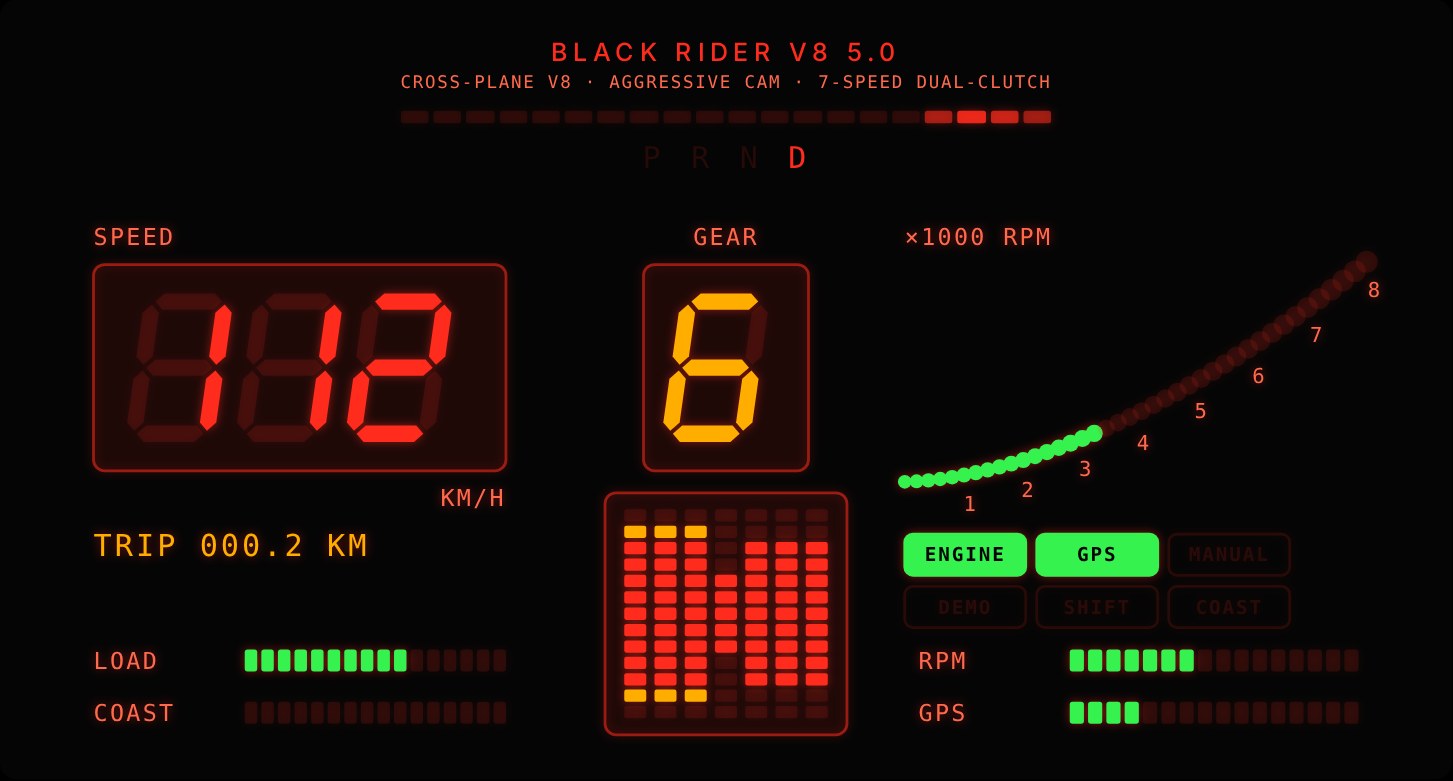
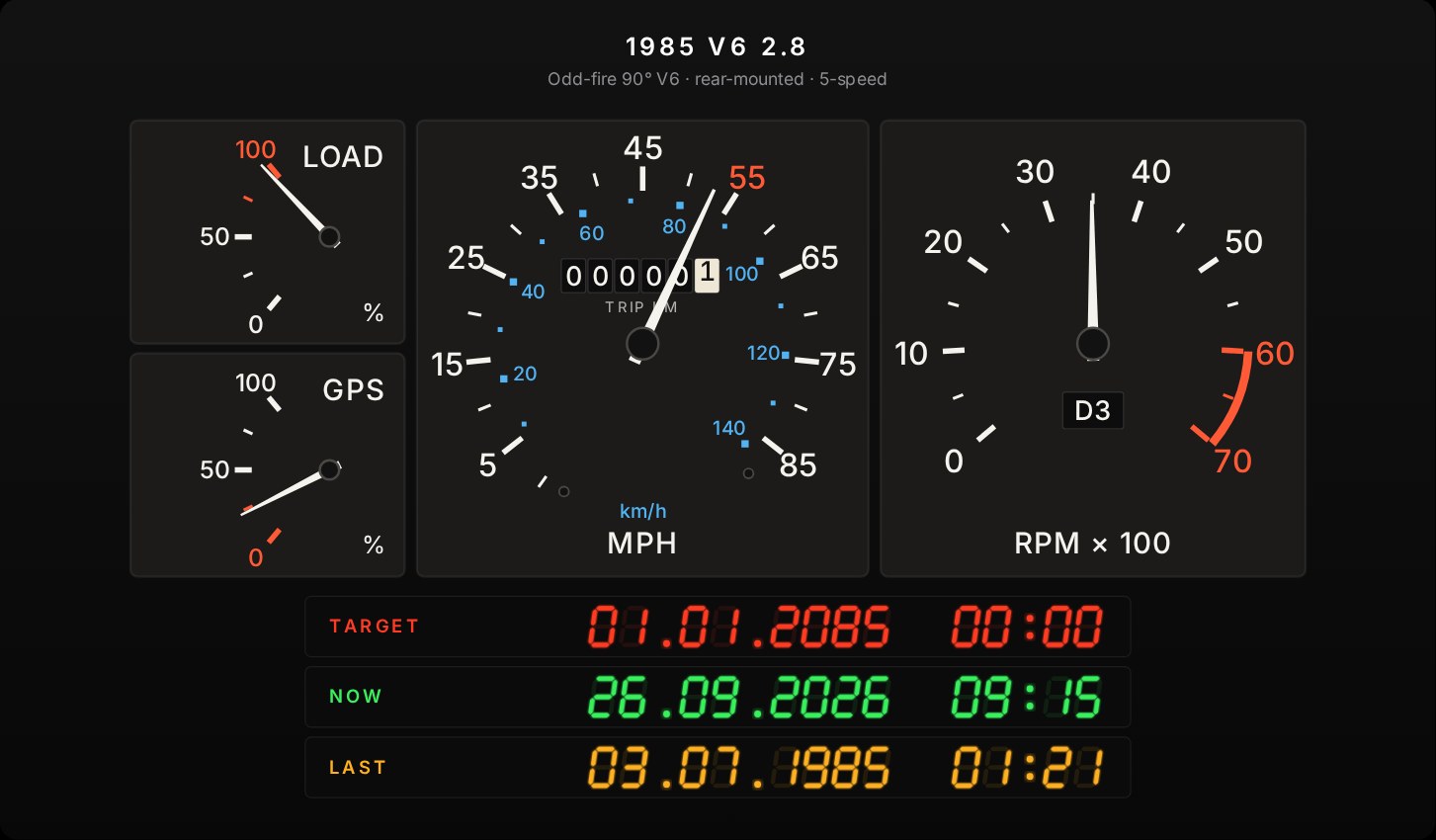
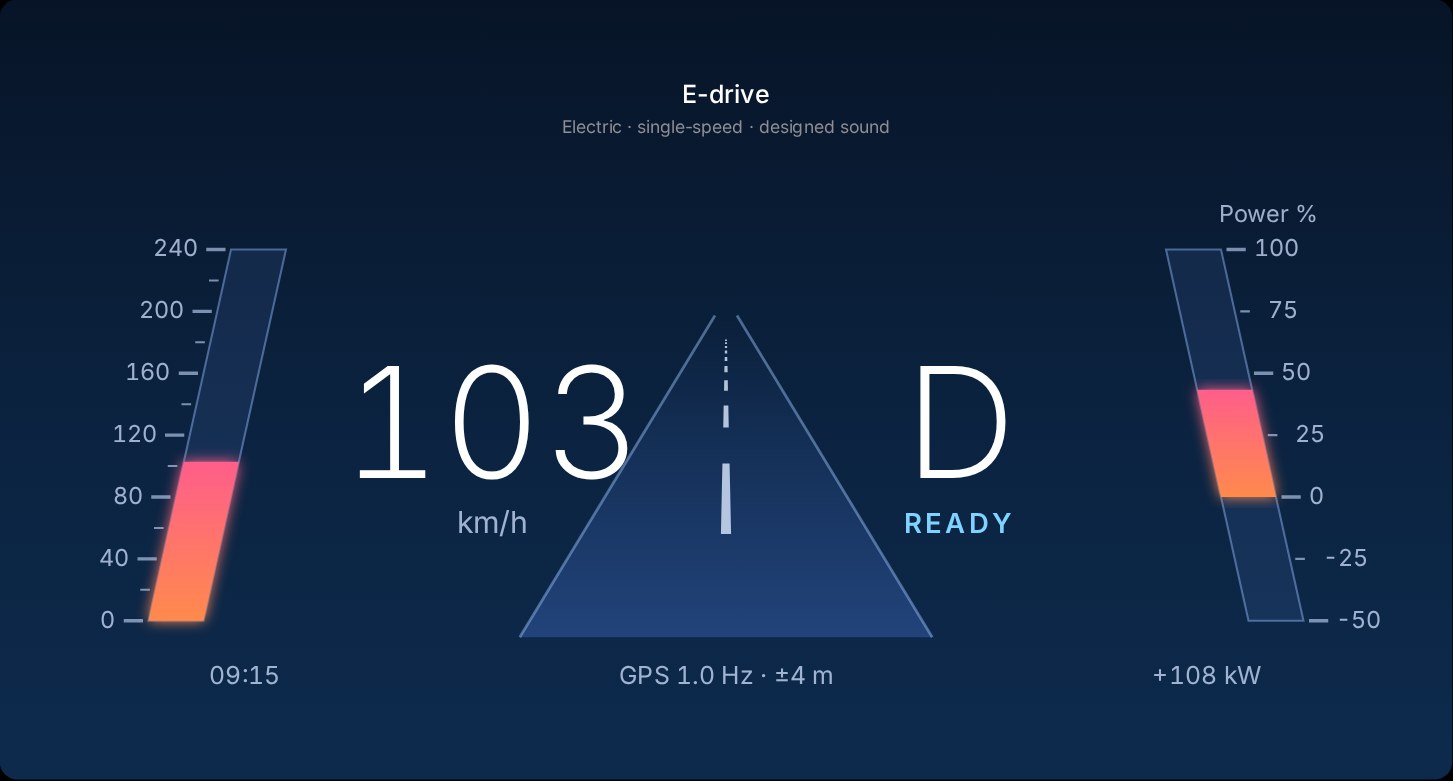
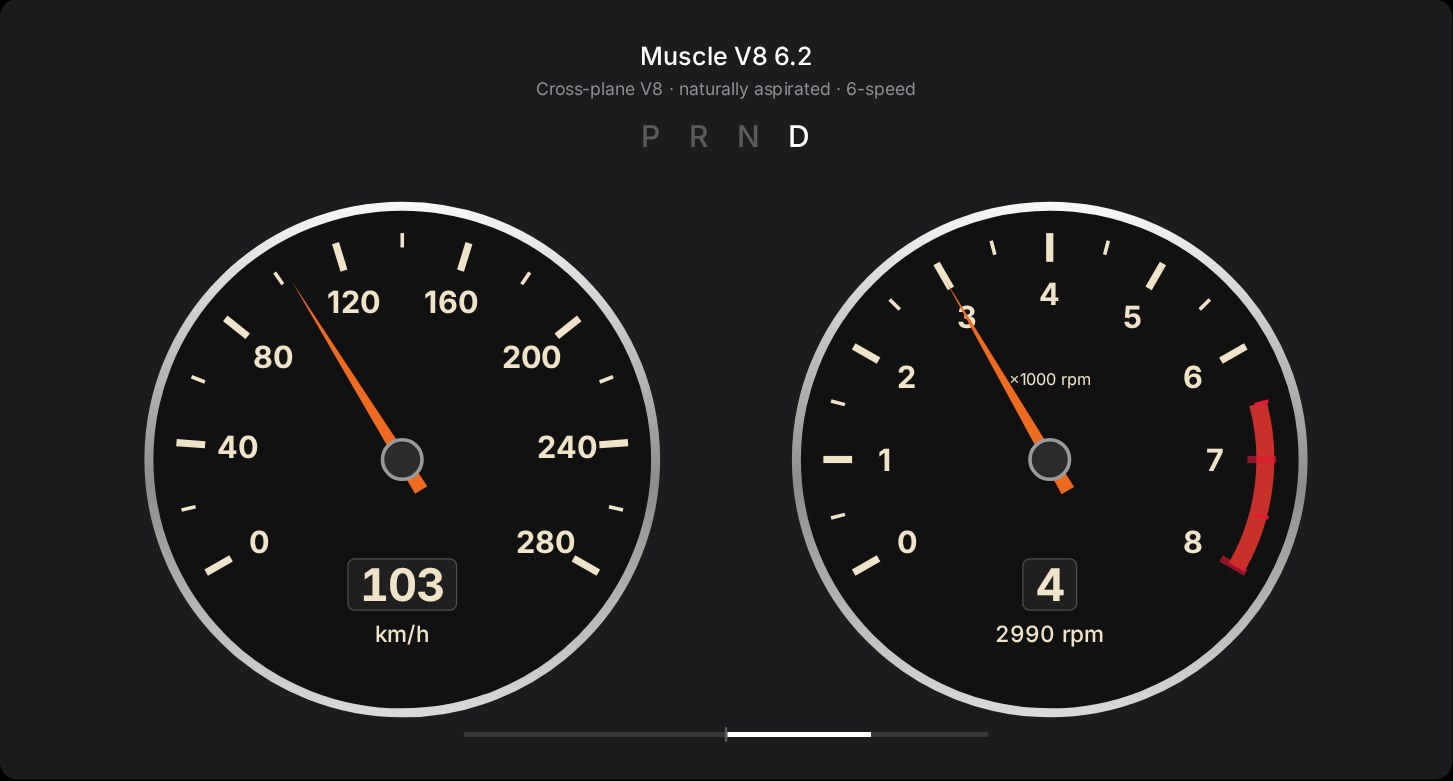
Seven engines, seven dashboards
From a small turbo four to an early-80s V6 with square gauges and a date display. Each engine sounds different and has its own dashboard, in light and in dark.
In the car
- Park, open getrombo.com in the car's browser and tap Start Rombo.
- In Settings, pick an engine, and your car's trim under Car (Standard, Long Range or Performance), so the virtual engine works as hard as your Tesla does.
- Tap Start, allow location, keep the browser open, and drive.
Please set everything up while parked, and don't touch the screen while driving.